Prompting AI for storyboards that actually match the scene
How to get consistent, useful storyboard panels out of image tools — by writing structural prompts before aesthetic ones.
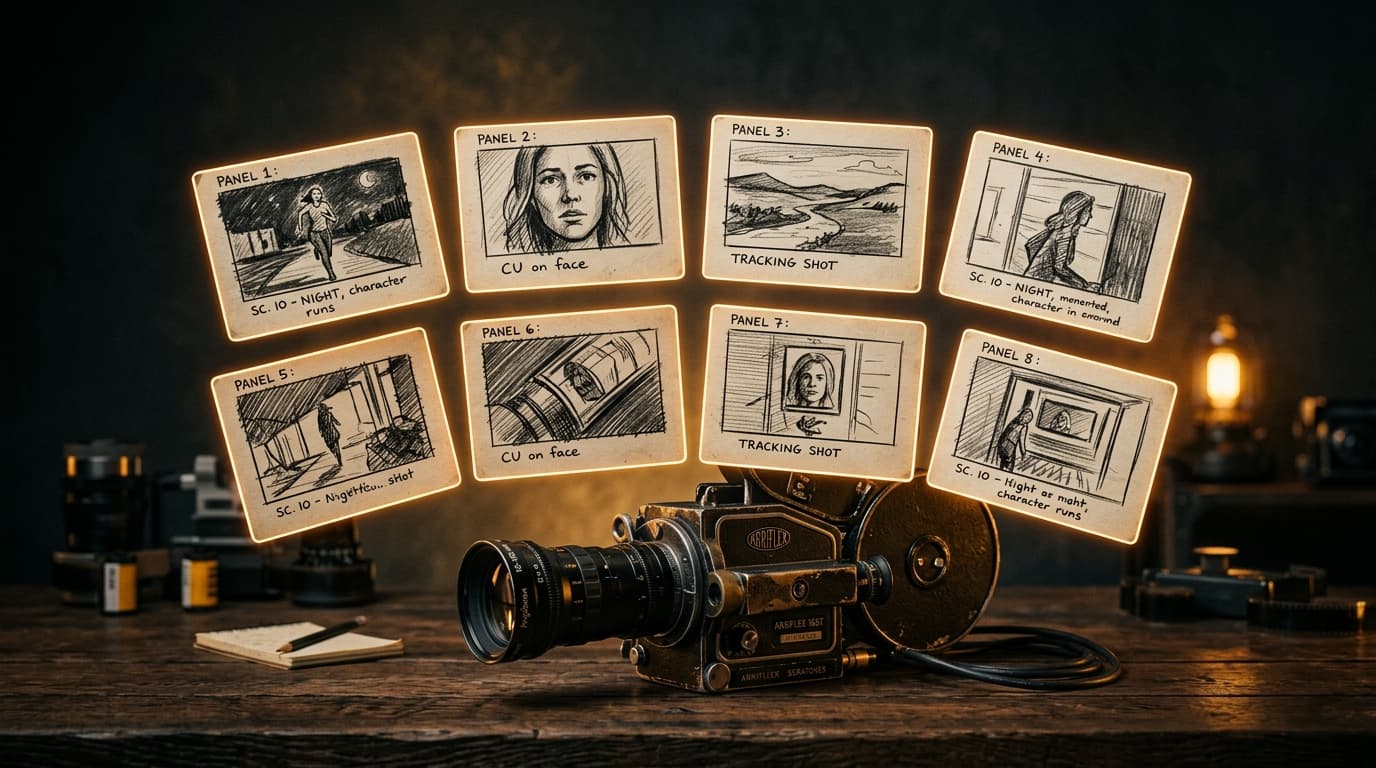
AI image tools have become good enough, fast enough, that the question is no longer can it draw a frame? but will this frame survive a production meeting?A storyboard exists to communicate, not to impress. When a generated panel breaks during a pitch, it is almost always because the prompt was written for the wrong audience.
What a storyboard is really for
Before prompting, it helps to remember who the storyboard serves.
- The director, working out blocking, rhythm and continuity.
- The DP, reading for eyeline, lensing and lighting intent.
- The producer, checking shot count, locations and what can be cheated.
- The client, who wants to see the story.
Each reader wants something slightly different, and a single generated image cannot please all four. Most panels that fail do so because the prompt was written as if the client were the only reader.
Structural prompts before aesthetic prompts
Good storyboard prompting starts with structure, not style. A reliable pattern:
- Scene header. EXT. ROOFTOP — NIGHT.
- Camera intent. Wide establishing, lens around 24mm, low eye level.
- Subject and action. Two figures silhouetted, one approaching the other from frame right.
- Emotional beat. Tension; they haven't spoken yet.
- Continuity notes. Match to previous panel — same roof, same time.
Aesthetic descriptors (mood, grade, lighting style) go at the end of the prompt, not the start. When the structural layer is tight, the AI does less guessing, and the panels read consistently across a scene.
Consistency is where it falls over
A single great panel is easy. A sequence of ten panels that look like the same production, the same cast, the same geography — that is hard. The shortcuts most teams use:
- Lock a style string. Keep lighting, grade and lens choices identical across every prompt in a scene.
- Use a single reference sheet per character. Describe silhouette and wardrobe, not face.
- Storyboard in beats, not individual shots. Give the AI a continuous moment, then slice out panels.
What AI is bad at, and what to keep human
A storyboard is a blocking document, and AI image tools still get spatial geometry wrong more often than not. Do not trust:
- Eyeline directions across cuts.
- The number of characters when more than three are present.
- Hands touching objects.
- Anything the DP will actually care about for lensing.
These panels are still useful as tonal references, but the real shot planning should happen on paper or in the director's head.
The workflow we like
Our current default for a short piece: write the scene, generate a structural storyboard first (silhouettes only, no aesthetic), then do a second pass for tone. The structural pass is what goes to the producer; the tonal pass is what goes to the client. Same prompt language, different emphasis.
It is, once again, not about replacing the storyboard artist — it is about getting the team further into the conversation before the artist is booked.